How to Create a Meta Business Portfolio
IS THIS MANDATORY?
Yes — even if you only want the free test-number tier (250 messages/day, no verification needed). Meta's own docs are explicit: "You must have a business portfolio to use the [WhatsApp Business] platform." There's no way to create a WhatsApp-enabled Meta App without connecting it to one. (Source: About the WhatsApp Business Platform.)
Don't use your personal Facebook profile if it shows up as an option when connecting a portfolio to your app — full Business Verification (needed later if you outgrow the free tier) requires a real legal business behind the portfolio, not an individual account.
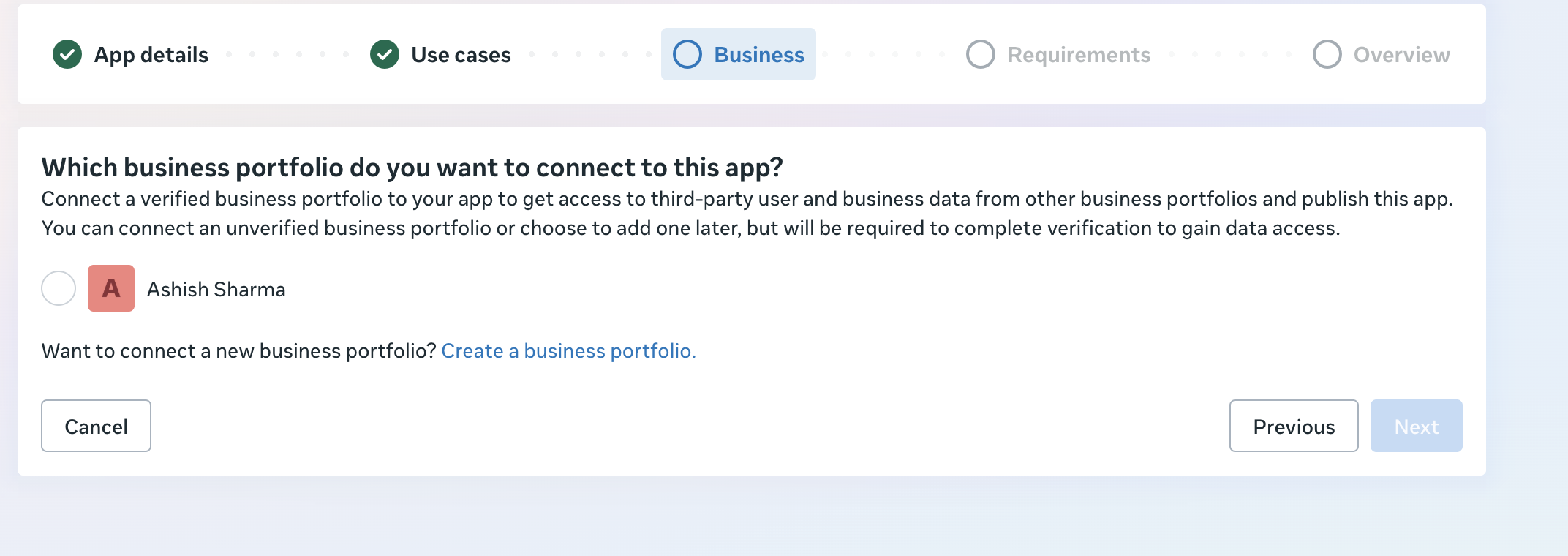
Don't pick a personal profile here — create a dedicated portfolio instead.
You don't need a separate Facebook login for this. One Facebook account can
own multiple Business Portfolios, so if business.facebook.com
drops you into an unrelated existing portfolio (e.g. one made for a personal
project), stay logged in and create a new portfolio for this
business instead — use the portfolio switcher at the top-left of Meta
Business Suite.
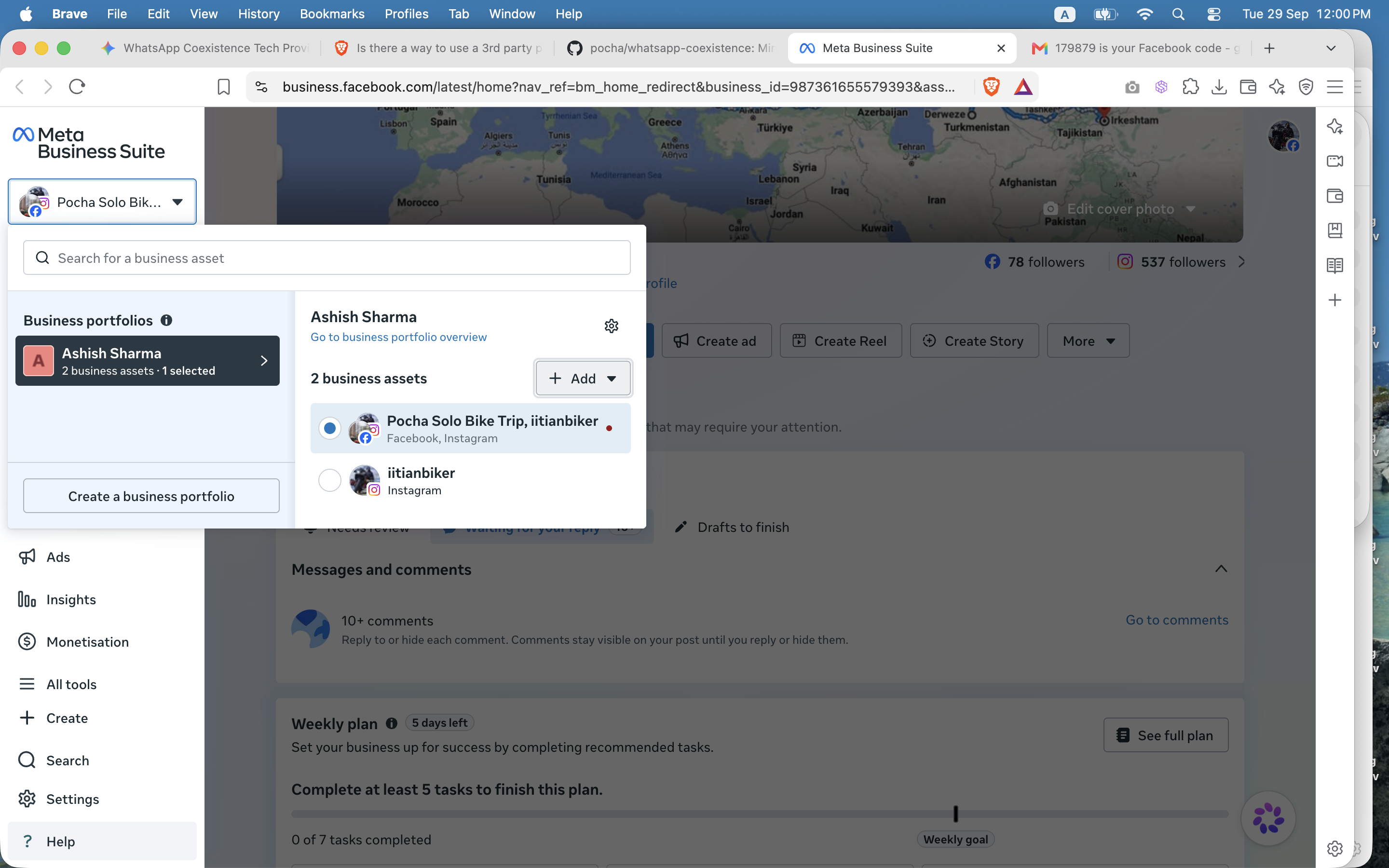
The portfolio switcher (top-left) has a "Create a business portfolio" button.
- Go to business.facebook.com and create a new Business Portfolio for this business (or click "Create a business portfolio" from the app-creation screen itself).
- Fill in your legal business name, business email, and business address — use the details that match your registration documents, since these get checked during verification.
- Check Business Settings → Security Center → Business verification. Meta only requires this once your usage needs it (e.g. requesting Advanced Access permissions, or crossing certain messaging-volume tiers) — it's common to see "Your organisation does not need to be verified" at this stage. That's fine; it's not a blocker. If it does say verification is needed, you'll be asked for documents such as a business registration certificate / tax ID, verified by document upload, a phone call, or a domain check, depending on your business — see Meta's Verify Your Business in Meta Business Suite guide for the exact process.
- Either way, you can create the Meta App and start using the API's free tier right away — see How to Get WhatsApp Business API Access. You'll only be prompted for verification later if you need to scale past the 250-messages/day starter limit.
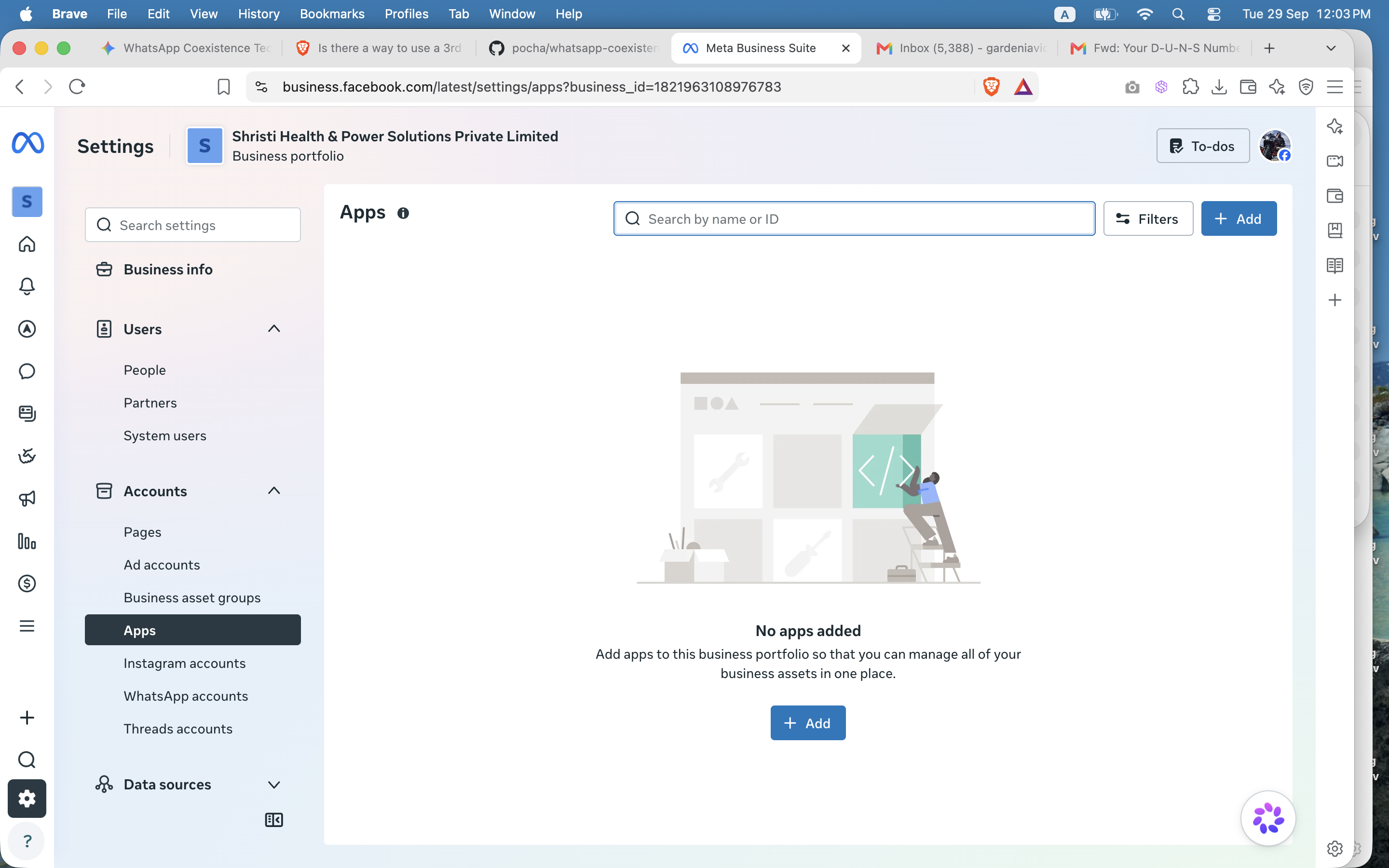
Your new portfolio, ready to have an app connected to it.